From boundary to request
GeoHook leans on iOS geofencing, then adds the careful engineering around it: approach detection before the boundary, optional conditions at the boundary, a webhook with a clean JSON payload after it.
You cross a boundary
Your phone enters or leaves one of your zones. Lead-in zones and Precision Monitoring catch it reliably, even near the edge.
Conditions checkPremium
Optionally: are you driving, cycling, or on foot? Is your car with you? Motion sensing, CarPlay, Tesla Phone Key or an iBeacon answers — on-device, no cloud.
The webhook fires
GeoHook sends an HTTP request to your endpoint — Home Assistant, IFTTT, your own server, anything with a URL.
200 OK
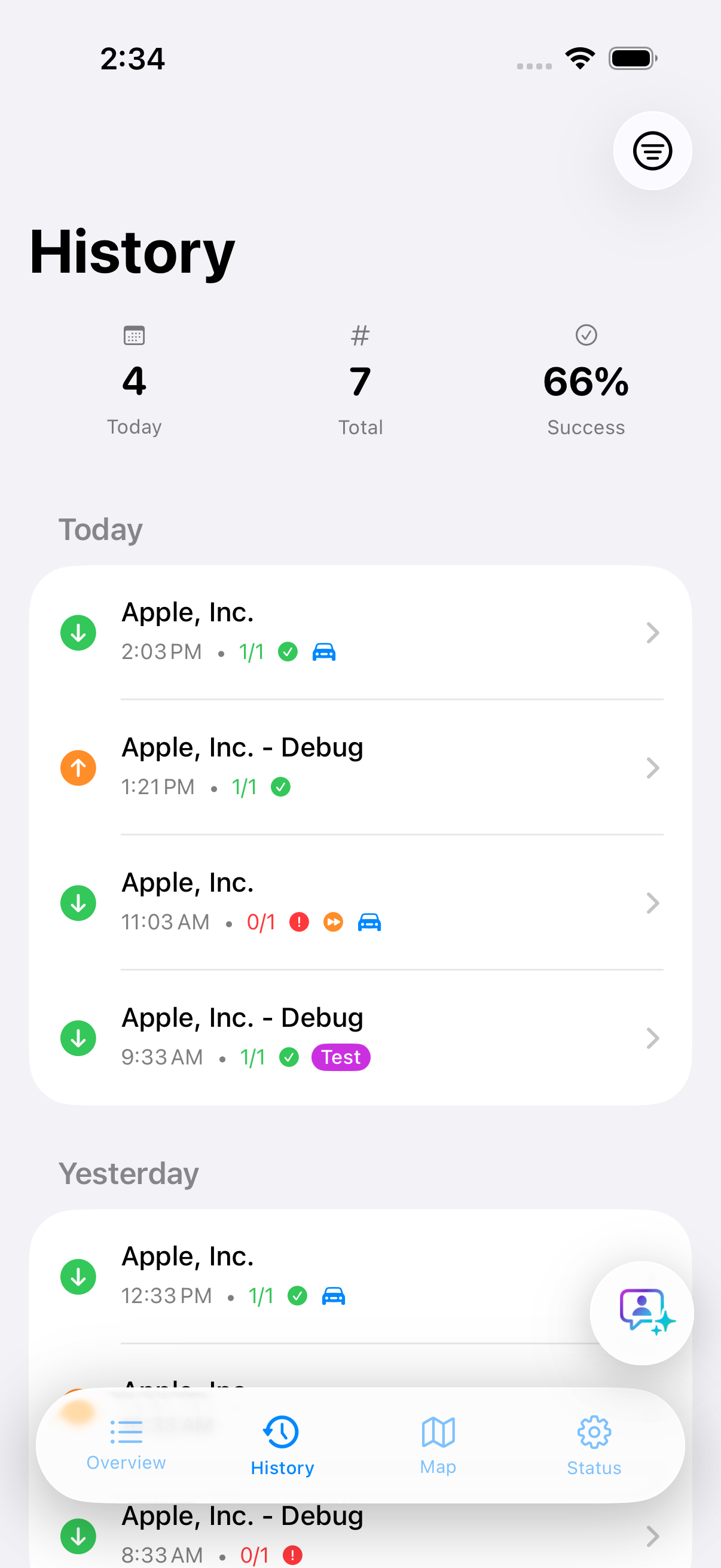
The result lands in your event history with the full request, response and timing — so you always know what happened, and why.
Precise exit, the moment you drive offPremium
Leaving is the hard part. In the background, iOS often reports an exit late — sometimes several hundred metres down the road. Precise exit uses the moment your car connects as the start signal, so the garage closes right behind you.
Your car connects
You get in at home and the iPhone connects to CarPlay or the car’s Bluetooth hands-free system. A Shortcuts automation wakes GeoHook, even when it isn’t running.
Precise tracking, briefly
Because you are still inside the area, GeoHook switches to precise location for at most five minutes — no battery drain the rest of the day.
Exit at the boundary
The exit is usually detected a few dozen metres past the boundary, and your exit actions run right away. Connecting alone never triggers them.
Precise exit starts from your car’s CarPlay or hands-free Bluetooth connection. Recognising a car through that connection is a GeoHook Premium feature — neither the free core app nor the Tesla & iBeacon plan includes it. Any car with CarPlay or a hands-free system works, no extra hardware needed.
What people wire it to
Anything that can be reached by a URL can be driven by your location.
The garage that expects you
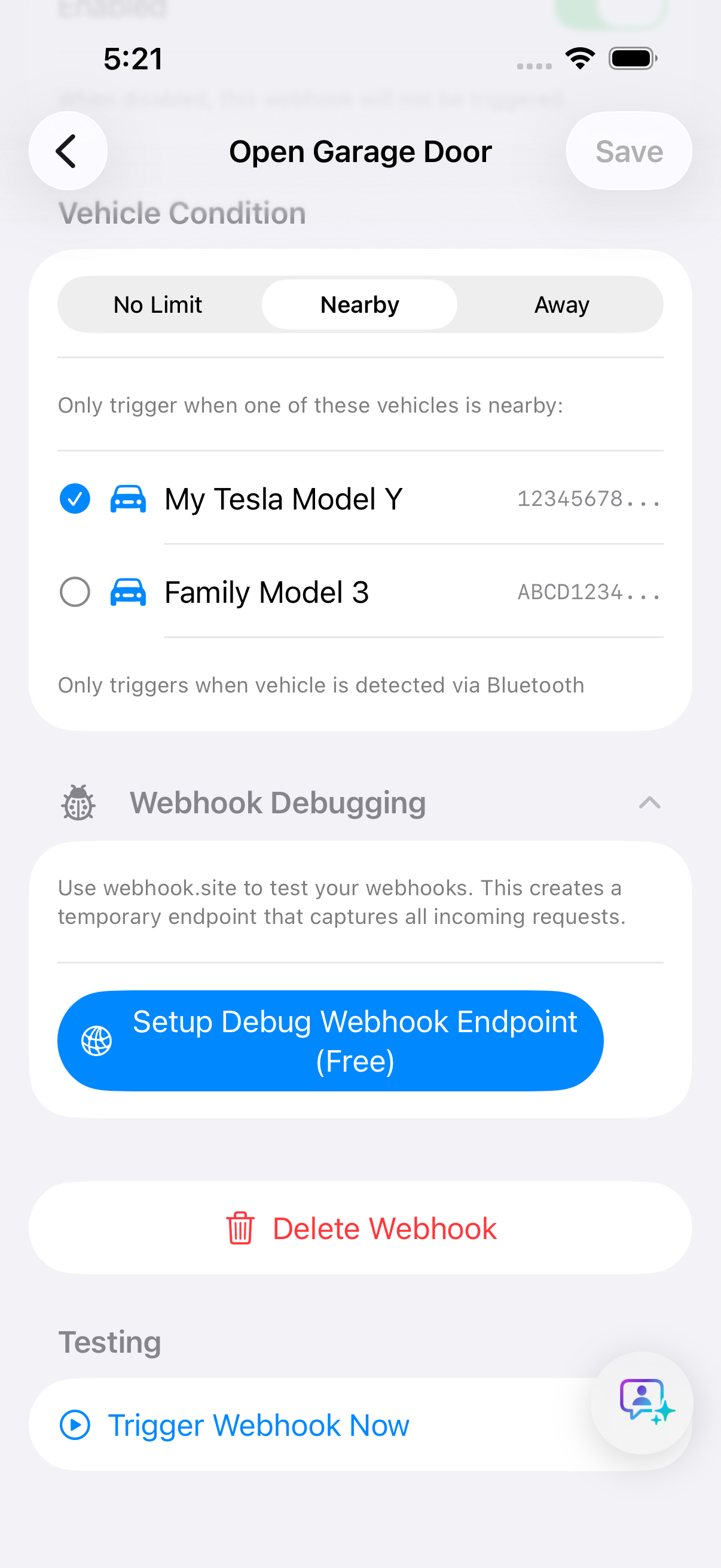
Door opens as you roll in, closes when you leave — hands stay on the wheel. With the vehicle condition, it only happens when your car is actually with you: any car with CarPlay or hands-free Bluetooth, a Tesla via Phone Key, or an iBeacon.
Home from the ride
Roll in from your bike tour and the garage is already opening; back from a run and the backyard lights come on. Movement conditions know how you arrive — no extra hardware, just your iPhone.
Arrival, announced
Hit a webhook when you reach a place — notify the family chat, log a visit, start a timer. Quietly, automatically, every time.
Your own ideas
Home Assistant, IFTTT, Node-RED, a custom Lambda, the coffee machine’s REST API — if it speaks HTTP, GeoHook can call it.
The specification
Everything in the box — and what stays out of it: your data.
Location triggers
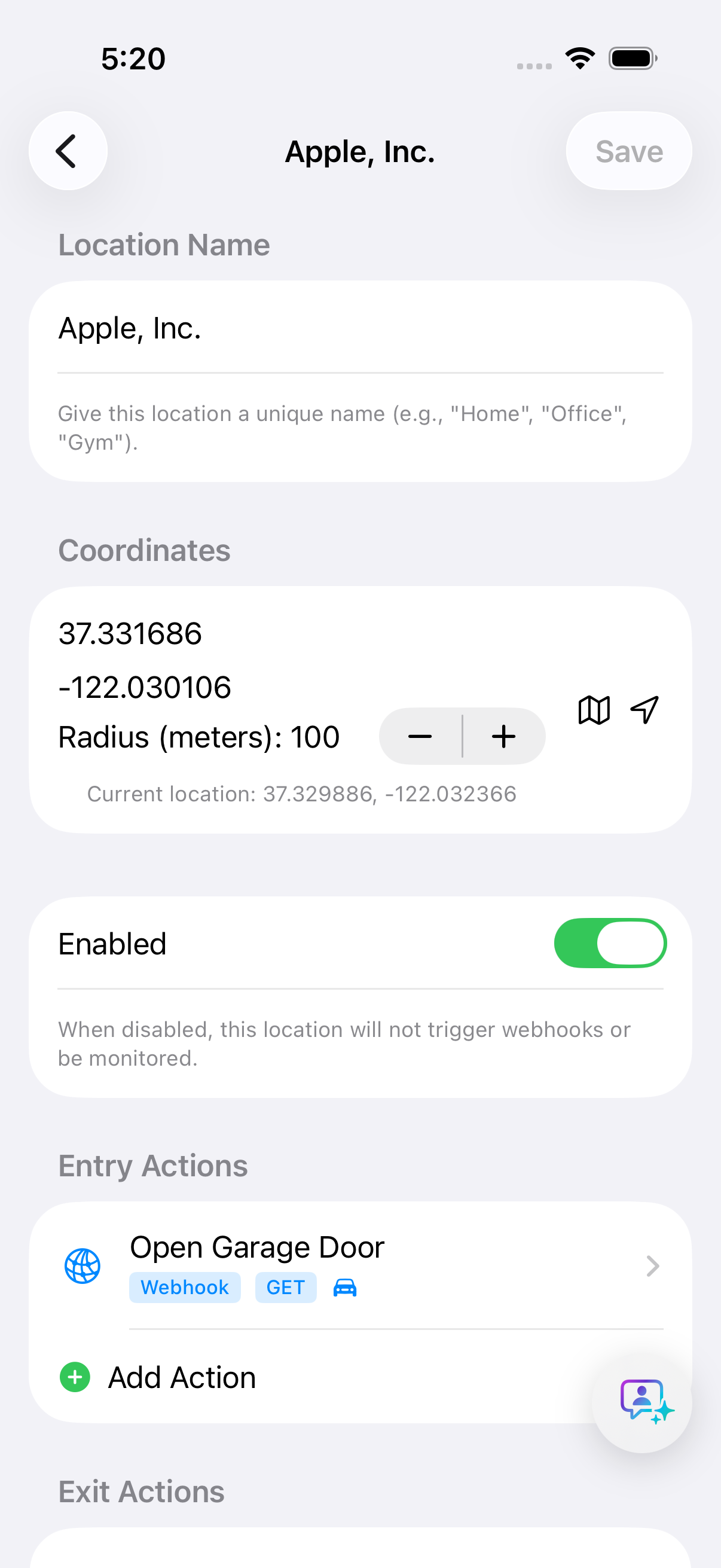
Precise geographic areas that fire actions on entry and exit.
Entry & exit actions
Separate actions per direction, with distinct trigger-type payloads.
Multiple webhooks
Several endpoints per area — Home Assistant, IFTTT, custom APIs.
Advanced arrival
Lead-in zones with directional approach detection; Precision Monitoring on iOS 17+.
Energy efficient
Intelligent background tracking tuned for minimal battery impact.
Privacy first
Location data stays on the device. No cloud storage, no tracking.
Up to 20 areas
Home, work, favourite places — monitored simultaneously (iOS limit).
iCloud sync
Configuration follows you to a new device automatically.
Secure credentials
Webhook logins live in the iOS Keychain, encrypted.
Debug tools
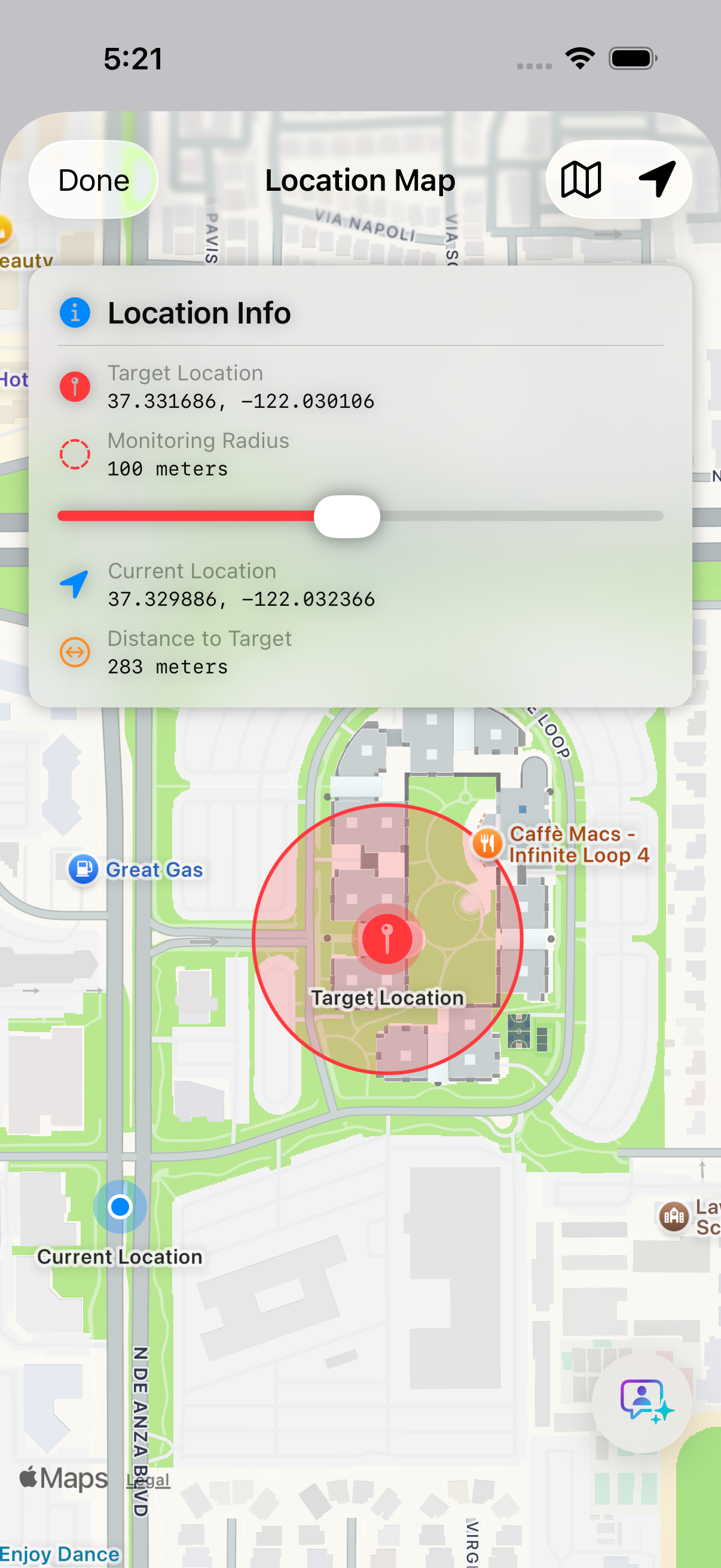
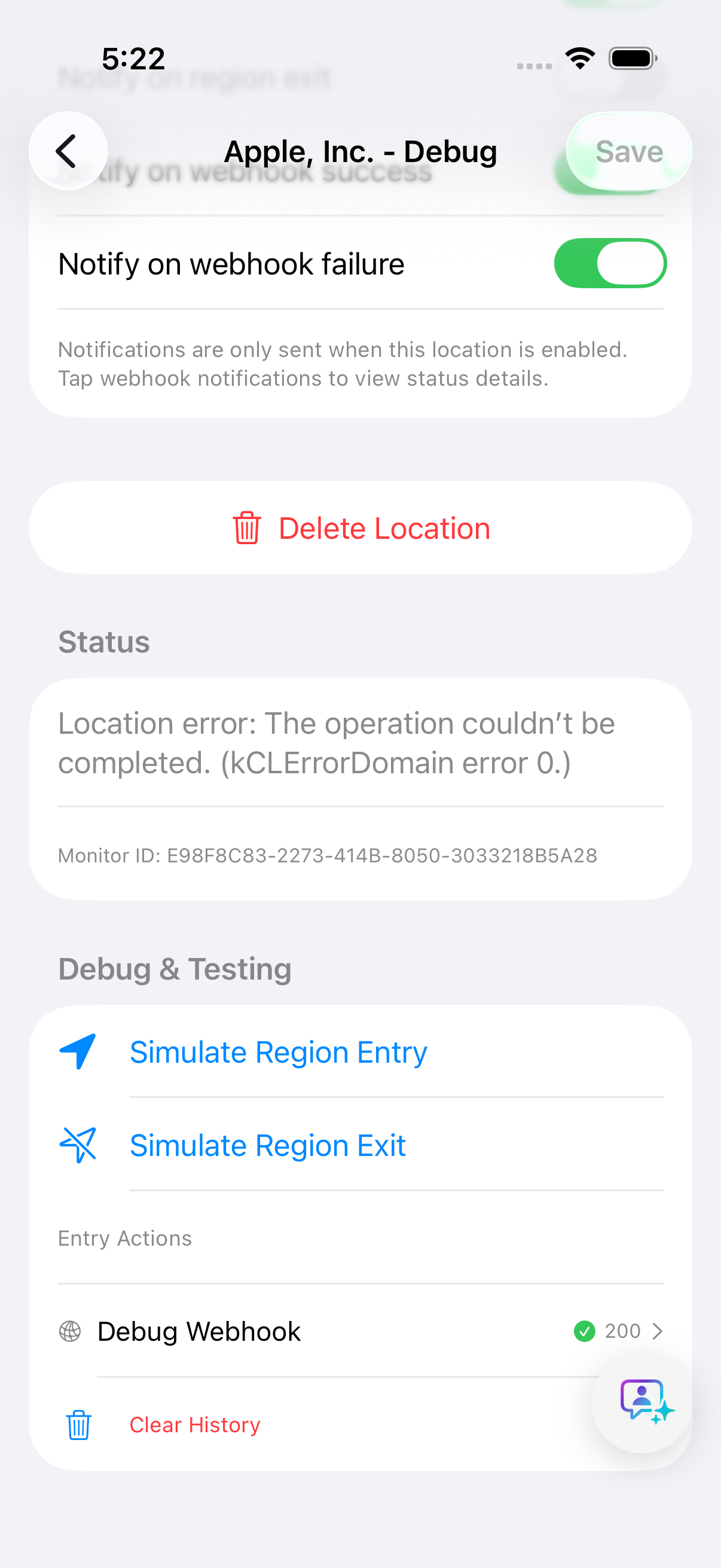
Geofences on the map, webhook test runs, full response details.
Smart notifications
Per-area alerts for entry, exit, success or failure — your choice.
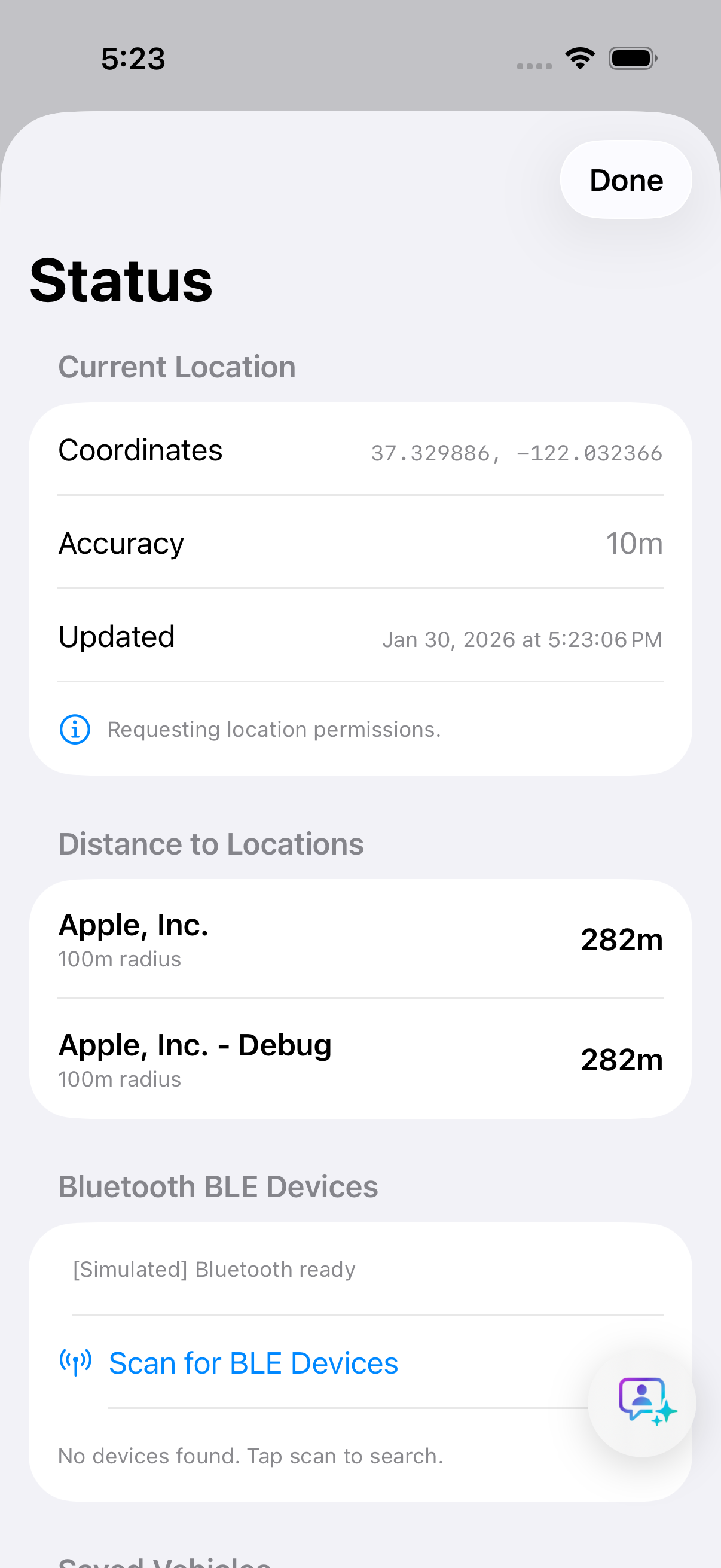
Status dashboard
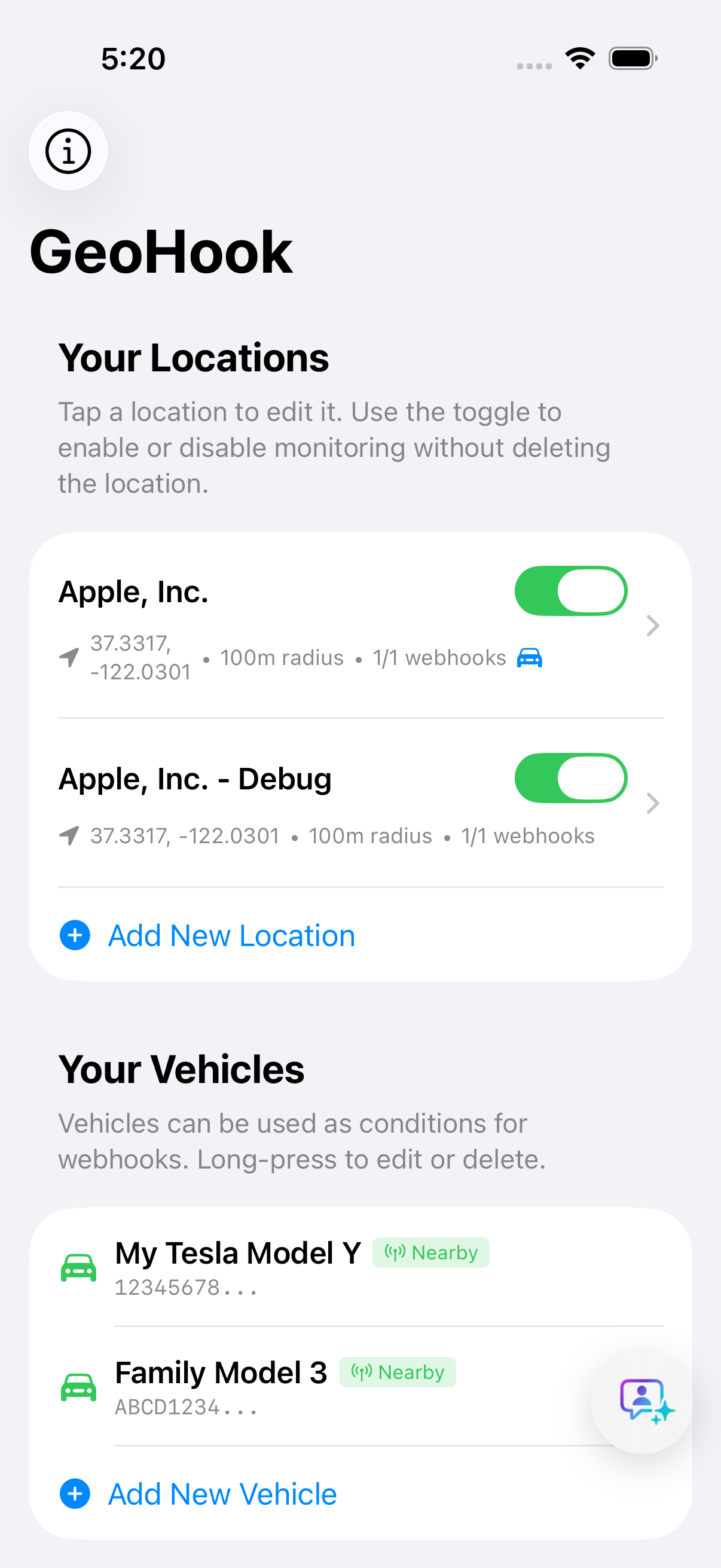
All areas with distance, state and last webhook result, at a glance.
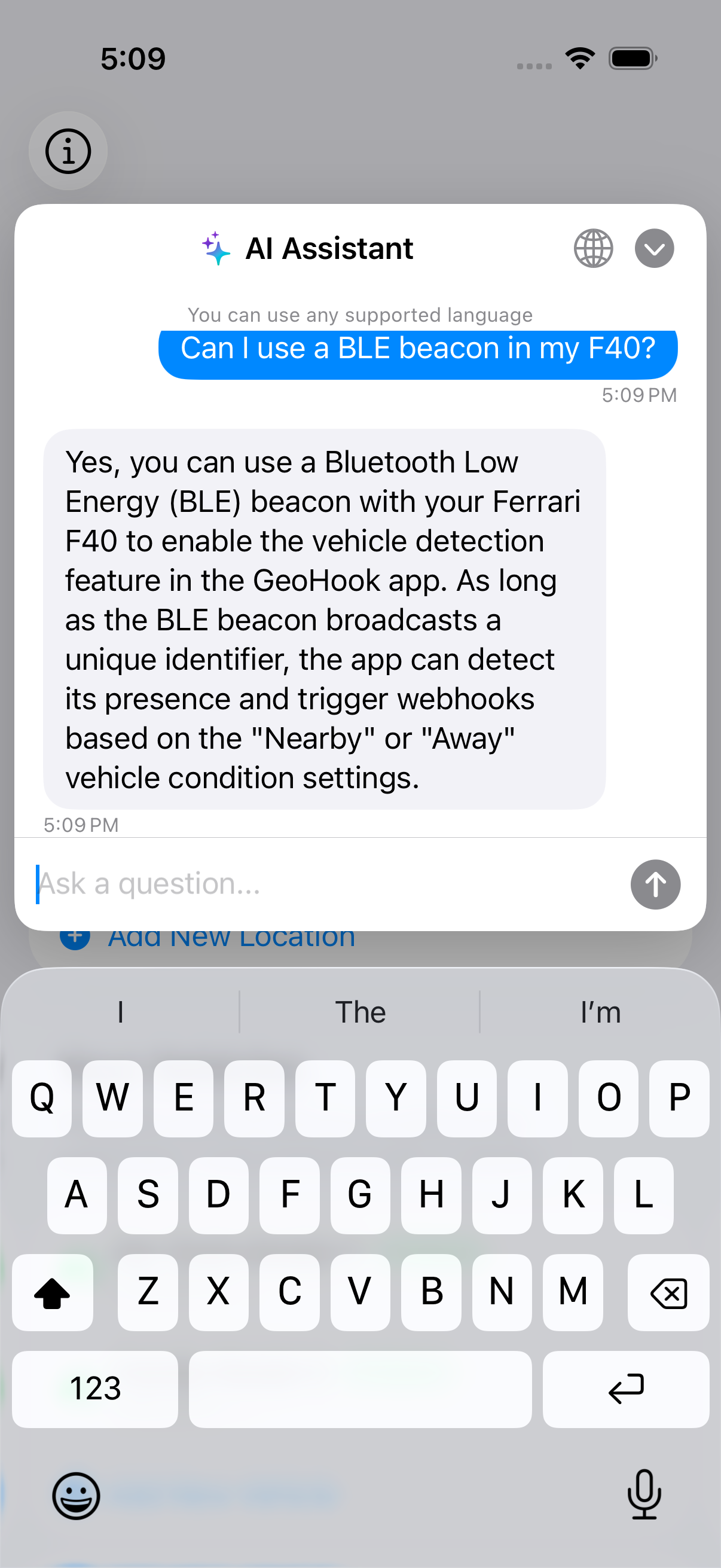
AI help assistant
Ask questions in the app; answers come from GDPR-compliant EU servers.
Event history
Every trigger with payload, response and timeline — auditable automation.
Tesla Phone KeyPremium
Detect your Tesla over Bluetooth — no server queries, no usage limits.
iBeacon supportPremium
Area detection at 10–30 m precision, or vehicle presence for any car. 25+ beacon catalog.
Movement conditionsPremium
Trigger only when arriving on foot, by bike, or motorized — detected on-device, no extra hardware.
CarPlay & hands-freePremium
Any car becomes a condition via its CarPlay or Bluetooth hands-free system; Driving Focus works too.
Precise exit with vehiclePremium
When your car connects, GeoHook tracks precisely for up to five minutes and catches the exit right at the boundary.
Plates
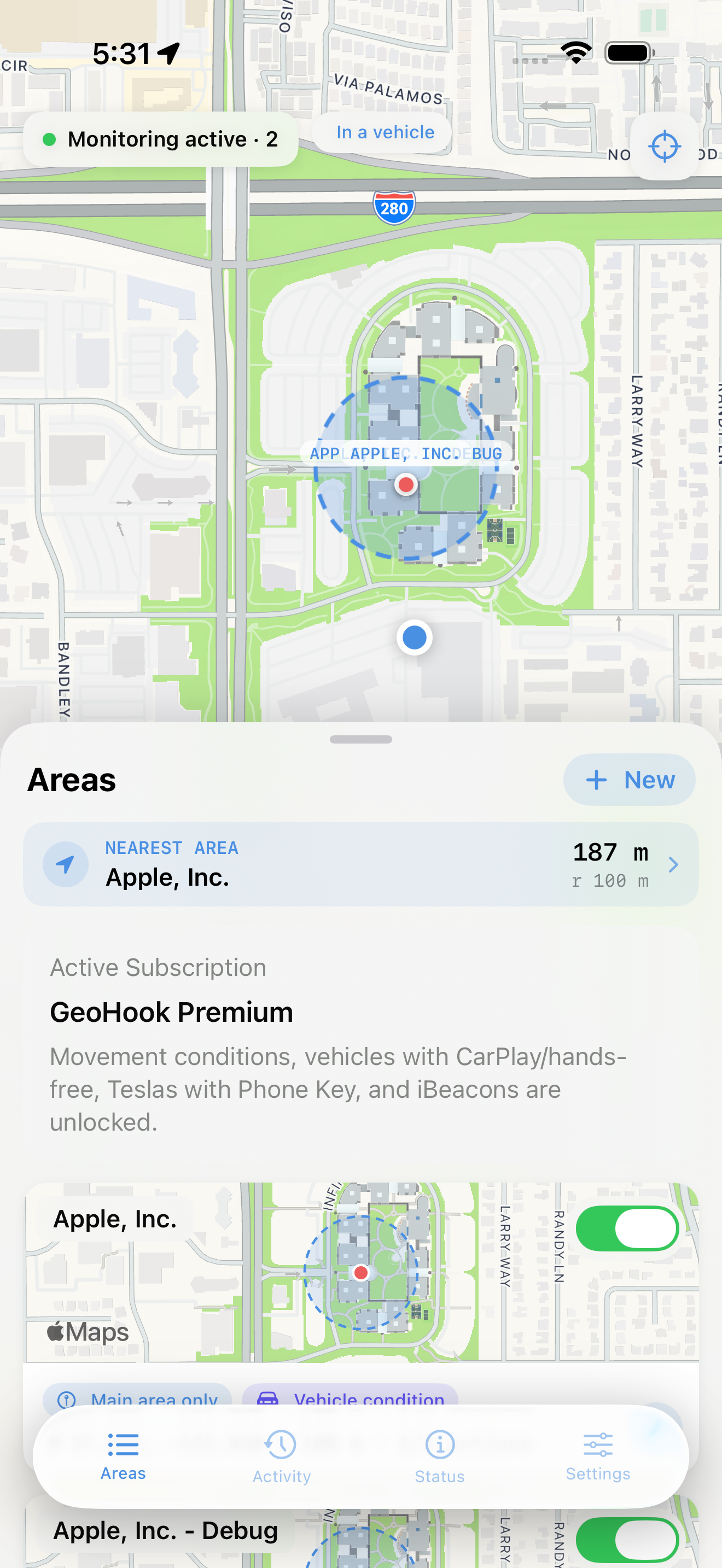
The app, page by page.
Pricing, plainly
The core app is free — and will stay free. Premium adds movement conditions, vehicle detection and precise exit — for any car, no extra hardware needed.
free forever — no ads, no tracking, no hidden costs
- Up to 20 active areas (iOS limit)
- Multiple webhooks per area
- Background location tracking
- iCloud sync across devices
- Debug tools & status dashboard
- AI help assistant
how you arrive, and whether your car is with you — as conditions. Family plan $5.99 / month.
- Movement conditions — on foot, by bike, or motorized
- Any car detected via CarPlay or hands-free Bluetooth — no extra hardware
- Precise exit with vehicle — exits caught right at the boundary when your car connects
- Driving Focus as a webhook condition
- Tesla Phone Key detection — no API calls, no usage limits
- iBeacon area detection (10–30 m precision) & iBeacon vehicle detection
Only need Tesla Phone Key or iBeacon detection? The Tesla & iBeacon plan covers just that, at $0.99 / month — without movement conditions, CarPlay/hands-free detection and precise exit. Subscriptions billed monthly via the Apple App Store. Terms apply.
Set the boundary once.
Arrive automated, every day after.
Free on iOS. Two minutes from install to your first webhook.